Make Your Existing Assets Private
To use Curvy for private payments, you first need to get some assets into your Curvy App.
This process is commonly referred to as "shielding", as Curvy shields your funds from prying eyes.
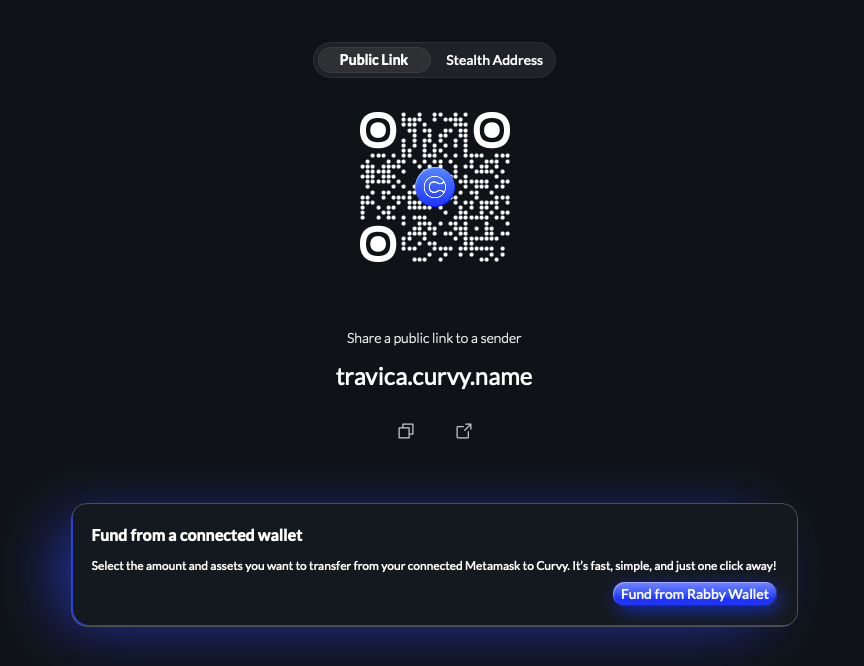
From the Curvy app
The easiest way to shield funds is to connect your existing wallet by clicking the Fund from a connected wallet in the bottom right corner of the right sidebar in the Curvy App.
From an ENS compatible wallet
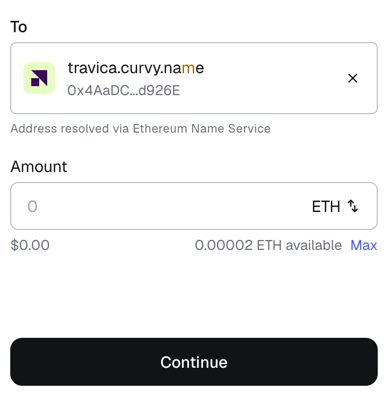
If you are using a wallet that supports Ethereum Name Service, such as MetaMask or Rabby, you can just enter your Curvy ID as the recipient for a new transaction:
Receiving from other wallets
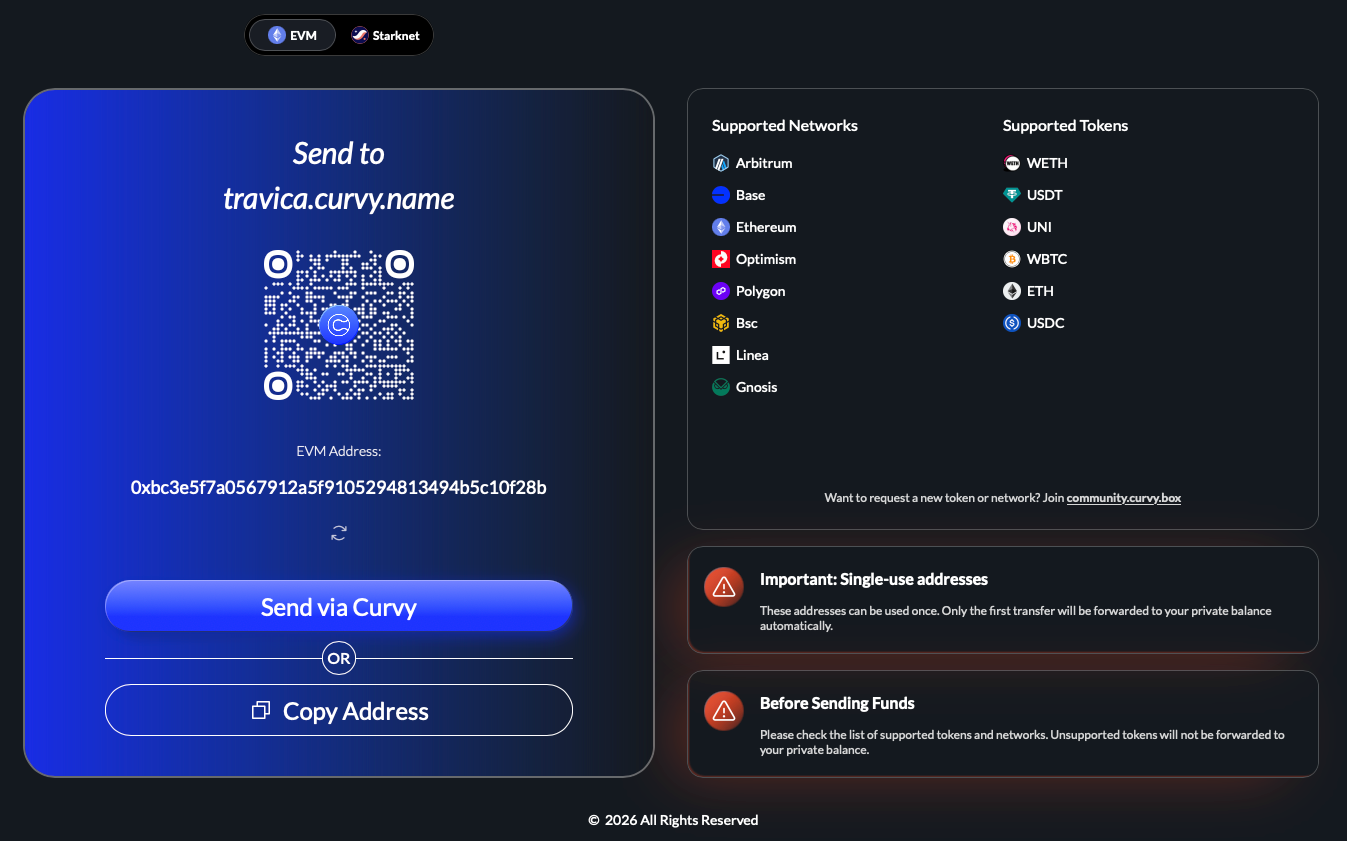
To receive funds from other wallets, you can simply instruct the sender to open the following URL:
https://your-curvy-id.curvy.nameThis will create a one-time private receiving address to which they can send the funds.
An example with https://travica.curvy.name: